
How to Search Cases by Name
For a public Quitman County Superior Court case lookup, begin at the Georgia Courts E-Access directory. Keep one thing straight. E-Access is a directory, not a statewide party-name database. Its Quitman Superior entry points to PeachCourt. PeachCourt requires an account. Until you sign in, the public login frame does not reveal which county and court choices will appear, so treat those options as unknown.
- Open Georgia Courts E-Access and follow the Quitman Superior link to PeachCourt.
- Register or sign in, then choose Search and Cases.
- Select Quitman County and Superior Court in the authenticated controls.
- Enter the party name, review possible matches, and open the matching case.
- Save the case number and date searched for clerk confirmation.
| Field Label | Type | Required | Official Notes |
|---|---|---|---|
| County | Selector | Yes | Choose the county first. |
| Court | Selector | Yes | Public options were not visible before login. |
| Case number | Text | One route | Exact format matters. |
| Party name | Text | One route | Wildcard behavior was not published. |
| Search | Button | Yes | Runs the Cases search. |
Quitman County PeachCourt Account Gate
The PeachCourt account frame shows Email, Password, Forgot password, and Register controls, and nothing else. Visit the court-search address without logging in and you land on that gate. The wall also limits what anyone can learn in advance, since the county dropdown, wildcard rules, date filters, and result pagination stay hidden behind it.
The official PeachCourt search route documents this entry point without exposing any private case.
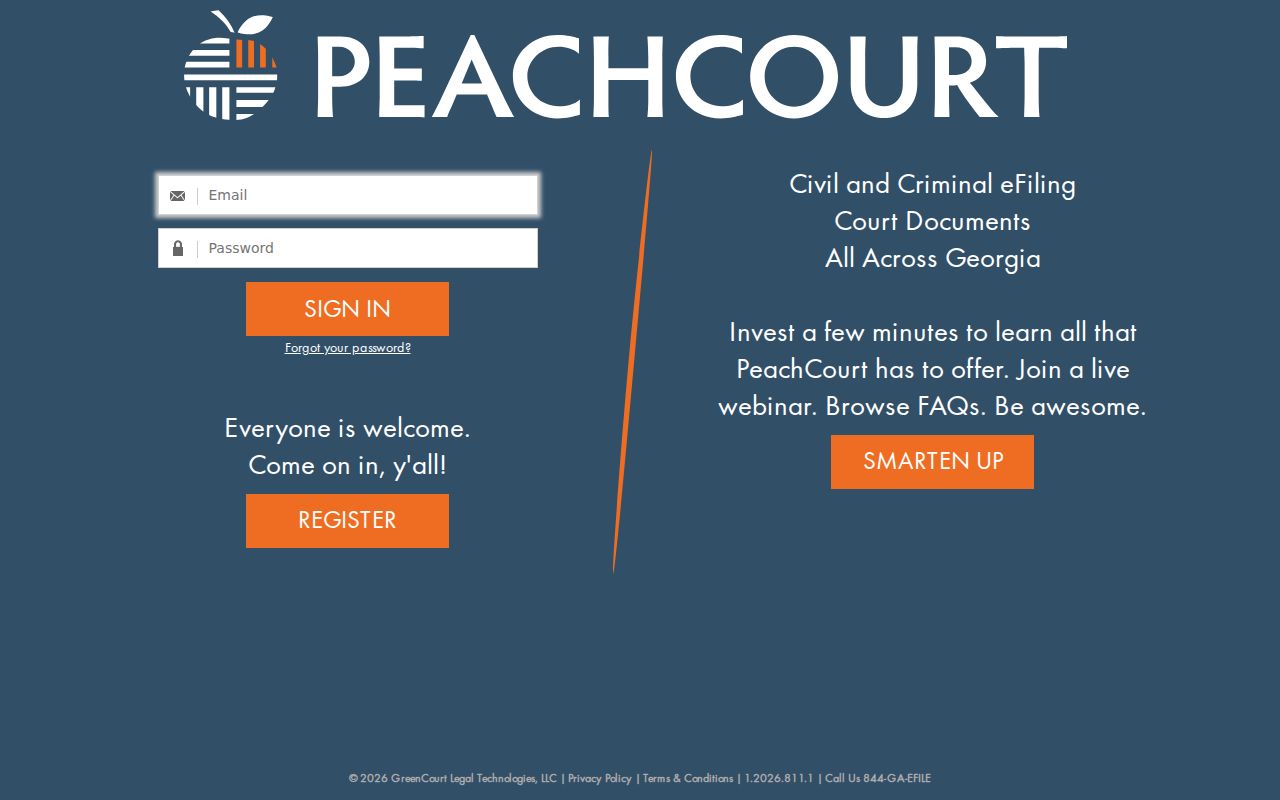
The frame explains why an account comes first. Only after registering can the full Quitman County case lookup controls be seen. Even then, registration does not promise that every case or document image will be there.
How to Search by Case Number
A case number is the strongest key for a search. It points to one court-assigned file and nothing else. PeachCourt says the number must be entered exactly as issued. Keep every punctuation mark, space, and leading zero from the notice or filed paper. No official source publishes a Quitman-specific pattern. So a generic code like exact court number should never be presented as a local format.
Choose Search and Cases. Select Quitman County and the right court. Copy the identifier character for character. Search and Filings is a different tool. That workflow takes an exact Peach number. It locates a filing, not the full case docket. If the exact search fails, recheck the court class and the source paper before changing the number.
A blank result can mean a paper file or an access restriction. It can also mean the wrong court, a data gap, or a vendor coverage limit.
Quitman County Cases and Filings
PeachCourt keeps Cases and Filings on separate paths. The Cases path takes a county, court, case number, or party name and opens a case page. The Filings path takes an exact Peach number. Neither replaces a Quitman County case lookup when you want to read the full sequence of docket events.
The state e-file chart adds a useful fact. Quitman Superior Court is marked Peach Court: Mandatory. That mark covers electronic filing, not blanket public access. Attorneys and authorized filers see controls for party, document type, PDF, service, payment, and submission. A member of the public should not use filing controls to request a copy.
The official Georgia Courts e-file chart is the source of that row.
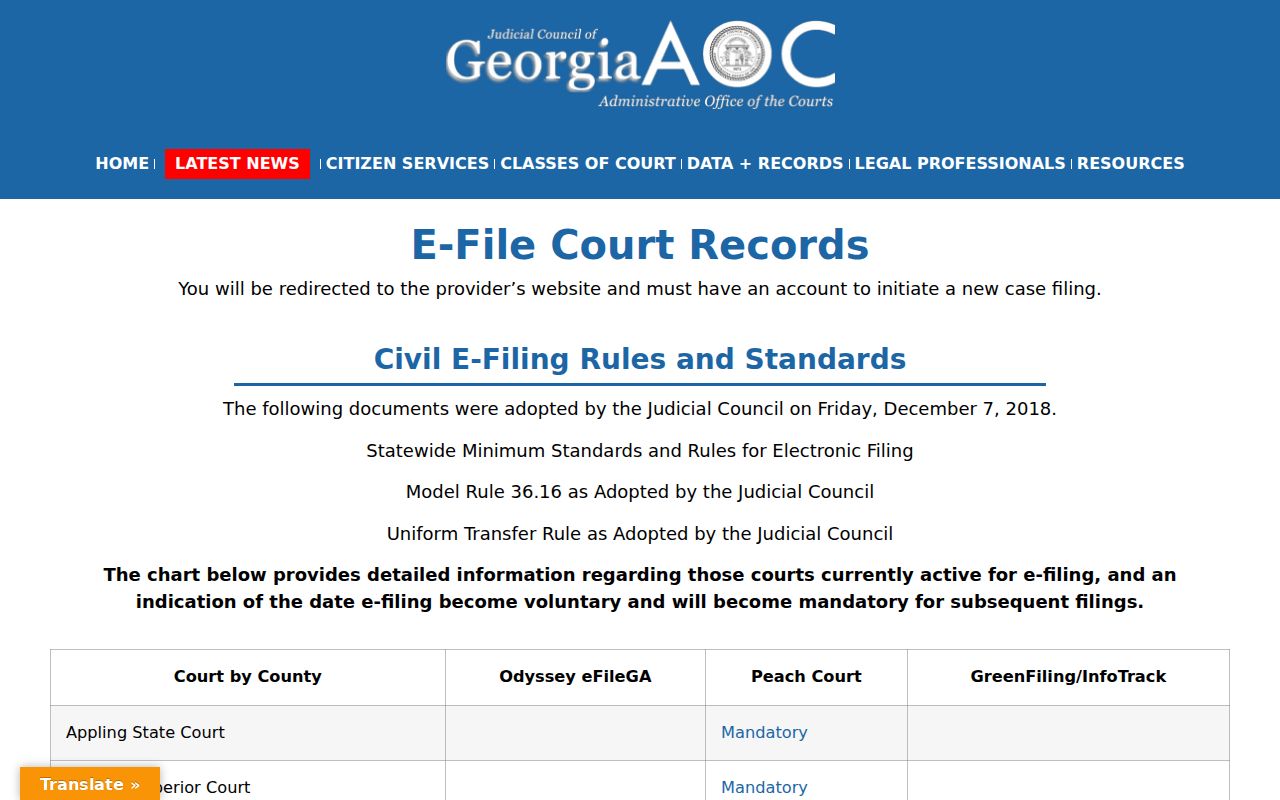
The Quitman row confirms PeachCourt's filing role for Superior Court. Probate, Magistrate, traffic, and Juvenile searches stay with their own clerks.
What a Case Search Shows
PeachCourt's official criminal help lists the data fields that can appear once a match opens. Availability varies by court. Read every label as a portal entry rather than a complete history or a substitute for the signed order.
| Case number | The court identifier in its exact displayed form. |
|---|---|
| Assigned judge | The judge attached to the case, not a promise about each hearing. |
| Case status | A current value such as pending or disposed. |
| Parties and counsel | Published roles, subject to access limits. |
| Charges and disposition | Separate allegation and outcome fields. |
| Events and proceedings | Calendar settings and docket activity. |
| Case documents | Links made available by the court and vendor. |
A docket event can record a filing, notice, hearing, or order. It does not always state the result. When the exact ruling matters, get the entered document.
Quitman County Provider Directory
The state hosts no single public party-name result list. Its provider directory sends Quitman Superior searchers to PeachCourt. It also warns that an account is required. That routing detail prevents a common mistake. It stops you from treating the Georgia Judicial Gateway as the search database itself. The official E-Access provider directory is the page that does the routing.
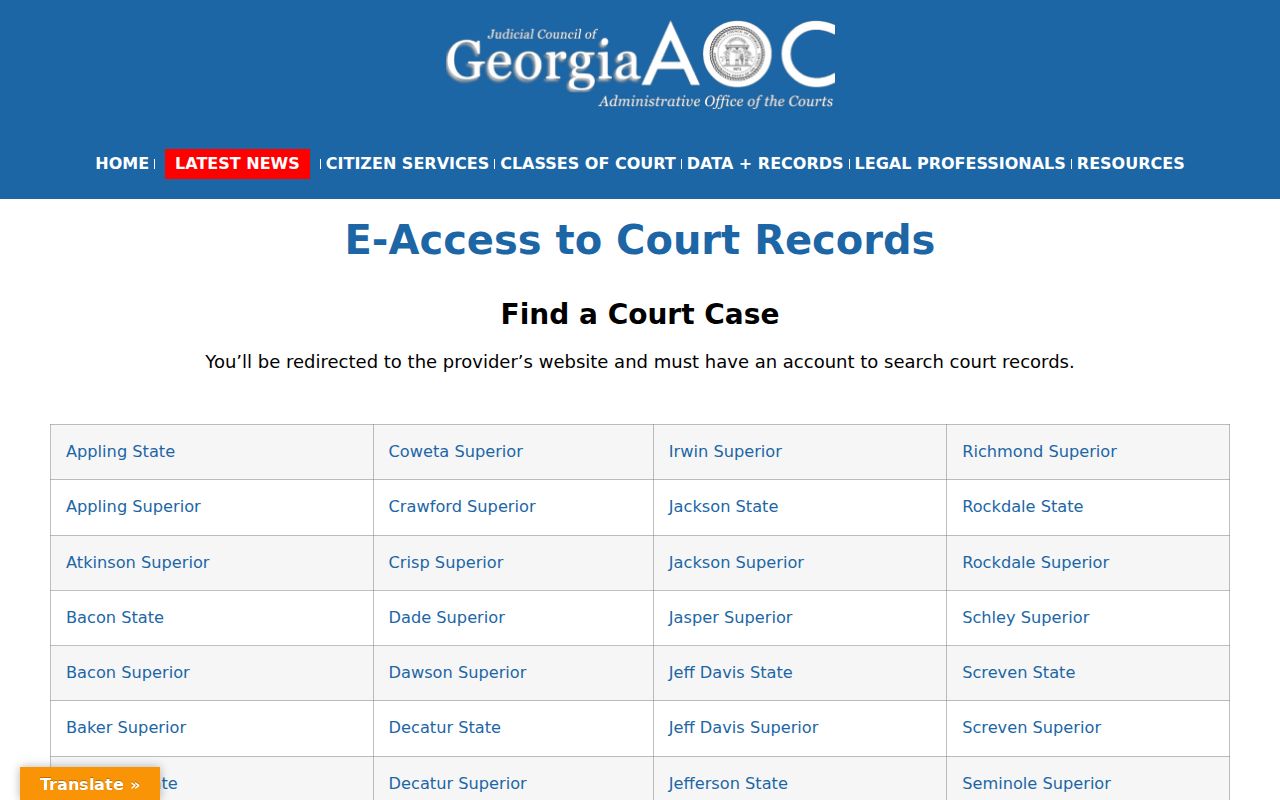
The directory names the provider, nothing more. It shows no live record and promises nothing about older, restricted, or lower-court material appearing online.
County vs Statewide Case Search
Georgia publishes no one central database that searches every Quitman County case by party name. The Judicial Gateway and the E-Access page just route users to participating providers. For Superior Court, that provider is PeachCourt. Lower-court matters stay with the office that keeps them.
| Georgia Directory Layer | Quitman County Access Layer |
|---|---|
| Directs users to providers | PeachCourt serves Superior Court |
| No statewide party result set | Account search by name or number |
| Best for finding the provider | Best for a known local matter |
| Does not replace clerks | Missing files need clerk contact |
Traffic citations run through EZCourtPay. Probate and Magistrate questions go to their joint office. Federal cases sit in PACER and the Middle District of Georgia, Columbus Division. Each system has its own keeper.
Quitman County Case Search Fallback
No online result? Pick up the phone and call the office that holds the file. Rebecca S. “Becky” Fendley’s Superior Clerk office keeps the Superior Court docket. It answers at 229-334-2578 or becky.fendley@gqc-ga.org. The counter sits at 111 Main Street, Suite 2, Georgetown, and mail goes to P.O. Box 307. Probate, Magistrate, and traffic matters use 229-334-2224. Give the court class, the case number if known, and an approximate year. Offer narrow party detail only when asked. Ask whether the file is paper, scanned, restricted, sealed, or held elsewhere. Then confirm fees and delivery rules before any money or original papers go in the mail.
Use the right counter: A consolidated county government does not mean one clerk keeps every Quitman County case record.
Restricted Cases and Access Rules
Not every Quitman County case shows up publicly. Juvenile records carry strict confidentiality rules. PeachCourt document access also excludes adoptions, sealed papers, and proposed orders that a judge never executed. Protected identifiers can be redacted too. Visibility can vary within one case. The shell, a docket entry, and an image can each carry a different access level. Uniform Superior Court Rule 21 sets the public-access standard and permits limits under set procedures. A blank search proves nothing. Ask the clerk whether a statute, an order, a paper-only file, or a vendor limit controls the record. Georgia court records also travel a different route than executive-agency records under the Open Records Act. Send a case request to the responsible court clerk, not a general county form.
Quitman County Search Date Notes
A portal view is only a snapshot. Note the date you searched, the court, the exact identifier, and whether you received a docket entry or a document image. That small note sharpens any later clerk call. It also explains why a status, hearing setting, or available document may look different on a second visit. AOC caseload dashboards cannot fill this role. Georgia Courts describes them as self-reported counts, not individual cases. They sketch court workload but cannot verify a person’s filing, hearing, or disposition. Trust the case portal and original court record instead.
Quitman County Traffic Search Split
Traffic citations leave the Superior Court search path. The county’s Probate/Magistrate page links to EZCourtPay. It wants date of birth plus a citation number or last name. That tool locates citations and takes payment; it is not a PeachCourt docket search. Pressing date questions belong with the Probate/Magistrate office at 229-334-2224. This split matters because it prevents false negatives. A traffic ticket missing from PeachCourt may simply sit in the correct Probate citation system.
Quitman County Federal Case Route
Federal cases are not Quitman Superior Court records. The Middle District of Georgia’s official county list puts Quitman County in the Columbus Division. The federal docket runs through PACER and CM/ECF. The federal clerk handles copy and access questions. Bankruptcy files use the same federal system with Quitman assigned to Columbus, and a local PeachCourt search cannot retrieve either one.
Quitman County Case Match Check
Check before trusting a result. Compare the court, the exact case number, the caption, the filing year, and the case type. Then read the events in order. A charge or claim is one thing; a disposition is another, and the entered order is the stronger source of what the court decided. A calendar entry is a setting, not an outcome. When key fields conflict, stop and ask the clerk to identify the right public record rather than merging two same-name results.